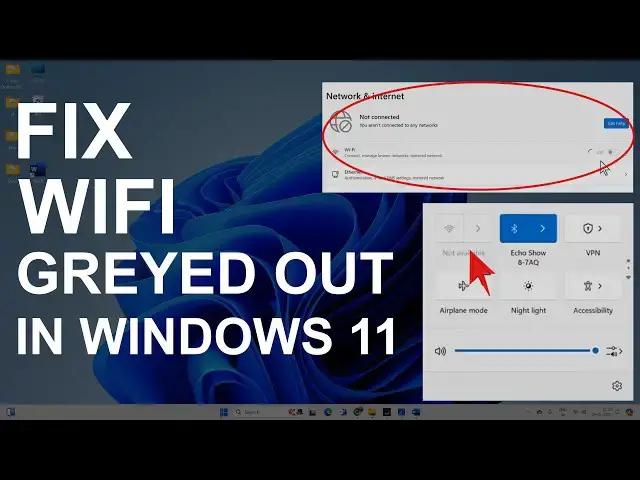

Fix Can't Turn ON WiFi on Windows 11 | WiFi Greyed Out
Mar 5, 2025

Sometimes, you face an issue with WiFi where you can't turn on the WiFi on Windows 11, and it is greyed out. This might happen due to different network issues, such as:
WiFi adapter is disabled
Network card problems
Network socket API errors
Build up DNS cache
WLAN service is turned off
Power surge
WiFi driver failure or other issues.
This video will walk you through the process of rectifying the above issues.
Follow these steps:
00:00 WiFi is disabled
00:24 Disable/Enable WiFi Adapter
01:03 Check WLAN Service
01:44 Enable/Disable Driver from Device Manager
02:17 Uninstall WiFi Driver
02:38 Delete Driver
02:57 Network Reset
03:25 Fix Socket Errors
Show More Show Less #Network Monitoring & Management
#Device Drivers
#Mobile & Wireless