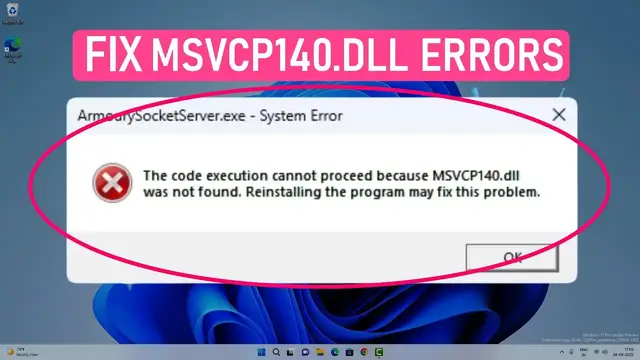

Fix MSVCP140.dll Missing or Not Found In Windows 11/10 & older
Mar 25, 2023

Learn to fix "The code execution cannot proceed because MSVCP140.dll was not found. Reinstalling the program may fix the problem" error with Windows 11 or 10. This error happens when a program is written in C++, and it cannot find the Microsoft Visual C+++ redistributable DLL libraries.
Sometimes while uninstalling a program or Antivirus scan might delete important DLL files accidentally, and you start getting DLL missing errors.
You can fix MSVCP related DLL errors by following these steps-
00:00 Intro
00:40 Copy missing DLL files
05:09 Repair Microsoft Visual C++ Redistributable
06:13 Repair/Reinstall Latest MSVCP
08:14 Outro
Link to download msvcp14.dll - https://www.dll-files.com/msvcp140.dll.html
Microsoft Visual C++ Redistributable https://learn.microsoft.com/en-us/cpp/windows/latest-supported-vc-redist?view=msvc-170
Show More Show Less #Software
#Device Drivers
#Software Utilities