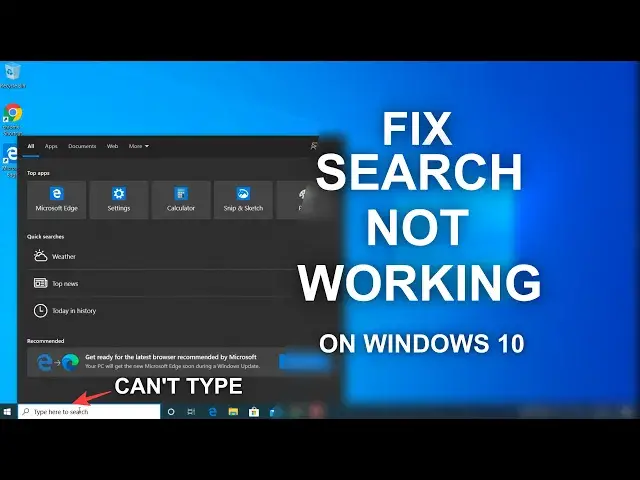

Fix Search Not Working/Can't Type On Windows 10 - 5 Ways
Mar 24, 2024

If the Windows 10 Search not working or you can't type on the search box of Windows 10 then you can try to fix the issue with Search using 5 methods shown in the video.
Method 1 - Check for Windows Search Service.
Run Command - C:\Windows\System32\ctfmon.exe
Method 2 - Rebuild Windows 10 Apps -
Powershell Commands -
1- PowerShell -ExecutionPolicy Unrestricted
2- Get-AppXPackage -AllUsers |Where-Object {$_.InstallLocation -like "*SystemApps*"} | Foreach {Add-AppxPackage -DisableDevelopmentMode -Register "$($_.InstallLocation)\AppXManifest.xml"}
3- $manifest = (Get-AppxPackage Microsoft.WindowsStore).InstallLocation + '\AppxManifest.xml' ; Add-AppxPackage -DisableDevelopmentMode -Register $manifest
Method 3 - Rebuild Index
Method 4 - Disable Bing Search
Method 5 - Reset Windows 10 Search Completely
Show More Show Less #Operating Systems