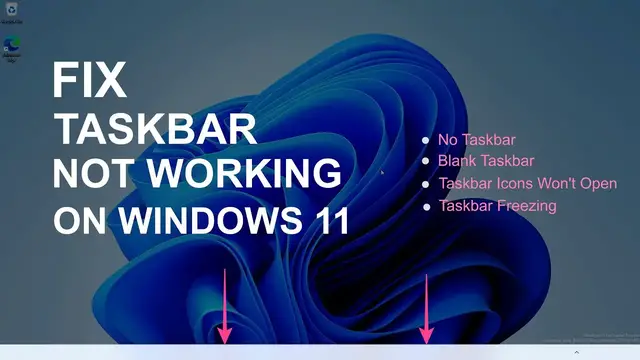

Fix Taskbar Not Working In Windows 11 | Blank, Unresponsive or Freezing Taskbar
Mar 25, 2023

Learn to fix Taskbar not working problem on Windows 11 with easy steps. Sometimes the Taskbar won't show, freeze, or become unresponsive on Windows 11; in this case, you can get back the taskbar by fixing the different things on your PC. If you see the blank taskbar or icons not showing, you can try to restart the PC first. If this does not help, follow all the solutions in the video.
00:00 Intro
00:17 Restart
00:27 Check Taskbar Behaviour
01:01 Restart Windows Explorer
01:49 Terminate Processes
02:50 Reregister Windows UWP
04:04 Repair Corrupt Files
05:21 Uninstall Windows Updates
05:57 Update Windows 11
06:22 Delete IrisService Registry Key
07:58 Restore Windows 11
08:47 Create a new user account
PowerShell Command to re-register Windows UWP -
Get-AppxPackage -AllUsers | Foreach {Add-AppxPackage -DisableDevelopmentMode -Register “$ ($ _. InstallLocation) \ AppXManifest.xml”}
Show More Show Less #Operating Systems
#Other