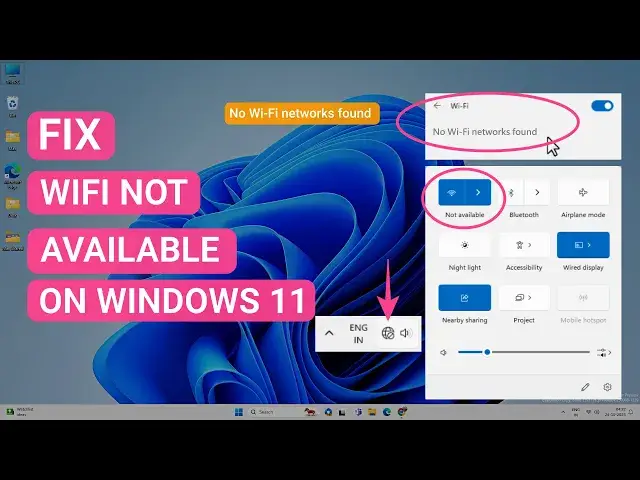

Fix Wifi Not Available Or No Wi-Fi Networks Found on Windows 11
Mar 24, 2024

WiFi not available or no WiFi networks found error on Windows 11 is a common wireless connection problem. You can fix this error by resetting the networks, installing the latest WiFi driver, power flush, and many other methods depending on the issue with your PC. In this video, you will find different workarounds to fix WiFi not available error on your Windows 11.
This video will help to fix following issues -
1. WiFi not available
2. No wifi networks found
3. WiFi available but can't connect
4. Keeps connecting
and many more errors.
Ways to fix no wifi networks found or wifi not available on Windows 11
00:00 Intro
00:51 Enable WiFi
01:27 Enable/Disable WiFi Adapter
02:39 Windows Troubleshooter
03:18 Enable WiFi Services
04:24 Reset Internet Settings
04:59 Reinstall/Update WiFi drivers
7:04 Fix Socket Errors
Show More Show Less #Networking
#Software