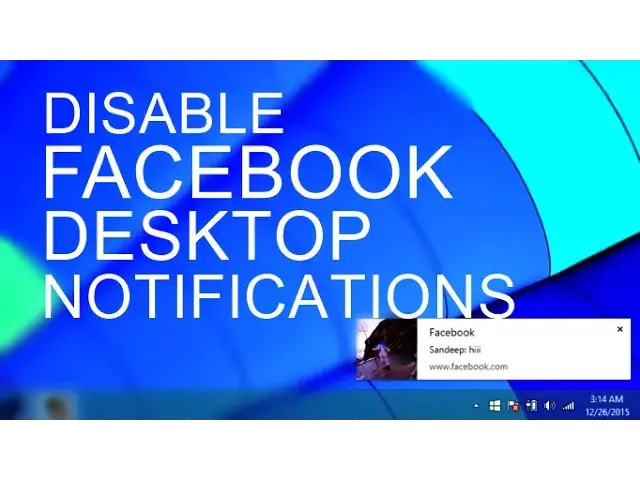

How to Disable Facebook Desktop Notifications on Chrome & Firefox
Mar 24, 2024

Turn off Facebook push notification on your PC, Facebook started sending the desktop notification for all the messages and notification.
If you are logged in but aren' using Facebook you will still get these notifications on Google Chrome.
Disable Websites Notifications on all browsers - https://www.youtube.com/watch?v=aPH1uU1nMw0
Steps to Disable Desktop Notification on Chrome
1. Go to Chrome Menu and Click on Settings.
2. Scroll down, find and click on "Show Advanced Settings"
3. Click on "Content Settings"
4. Now scroll down and find notifications and click on Manage Exceptions.
5. Find http://www.facebook.com:443 and block it or delete it completely.
Now you won't get desktop notifications by Facebook on Chrome.
Disable Facebook Notifications on Firefox-
To block Facebook desktop notifications on Firefox follow these steps-
Show More Show Less #Software Utilities