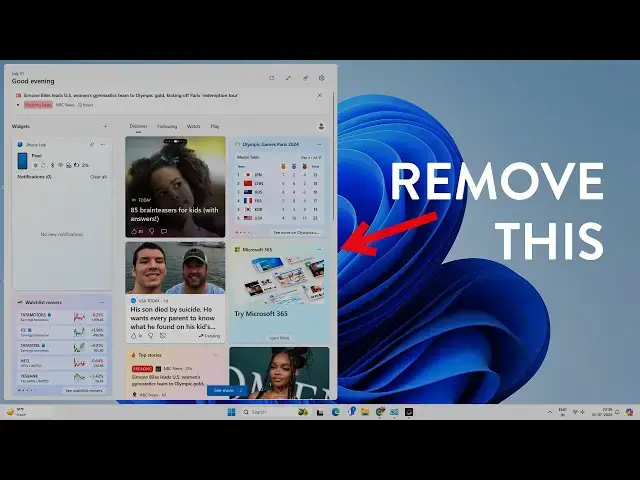

How to Disable Widgets Board on Windows 11
Mar 5, 2025

Widget board is an annoying feature of Windows 11; whenever you accidentally hover your mouse on the bottom left corner, it opens the widget board. Sometimes, it gets irritating while you are working on something important. In this video, you will learn to disable the widget board easily and how to disable the mouse hover option.
Don't miss these videos -
Clean C drive to unlock more speed: https://youtu.be/X2-KNOkcF_c
Make Windows 11 200% Faster: https://youtu.be/8am0IB13Udg
Make Windows 11 Start Menu Look Great: https://youtu.be/KIgc_ZiYffI
Password Protect Folders in Windows 11/10: https://youtu.be/MuB5keJcw_M
Boost CPU Speed: https://youtu.be/ea89hdRpsKs
Make WiFi Run Much Faster: https://youtu.be/eHcZ_kzhgMw
Stay Private on the Internet: https://youtu.be/TPsQYi8PhJE
Join this channel to get access to perks:
https://www.youtube.com/channel/UCMdElTwiU4JrDUkuI_eqPJg/join
Show More Show Less #Operating Systems
#Software Utilities
#Other