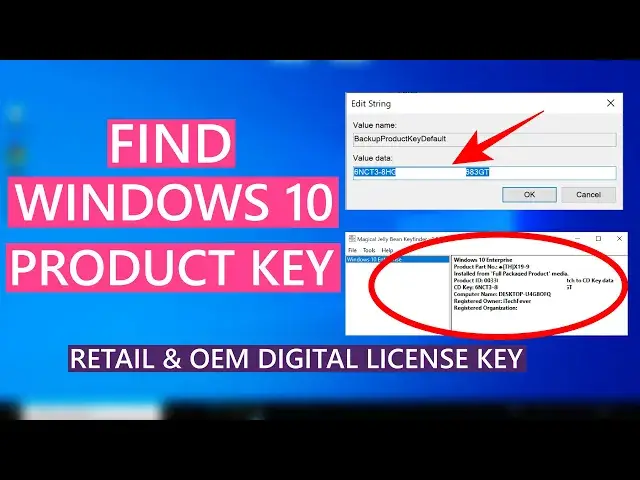

How To Find Windows 10 Product Key | Retail & OEM Digital License Key
Mar 24, 2024

Generally, Windows 10 has 2 types of license, retail product key, and OEM or digital license. In this video, you will see how to find Windows 10 product key if you have a retail product key or digital license. There are some methods to retrieve Windows 10 product key, you will find a compressive guide to get the product key.
Retrieve Windows 10 Product Key Using Command Prompt
1. Open the cmd as admin.
2. Type
wmic path softwareLicensingService get OA3xOriginalProductKey
and hit enter, you may or may not see the product key depending on the license type.
Find Product Key Using Powershell
1. Open PowerShell as admin.
2. Type
powershell "(Get-WmiObject -query ‘select * from SoftwareLicensingService’).OA3xOriginalProductKey"
Again you may or may not find the key.
Using Registry Editor-
Show More Show Less #Computer Security
#Software
#Device Drivers
#Operating Systems
#Software Utilities