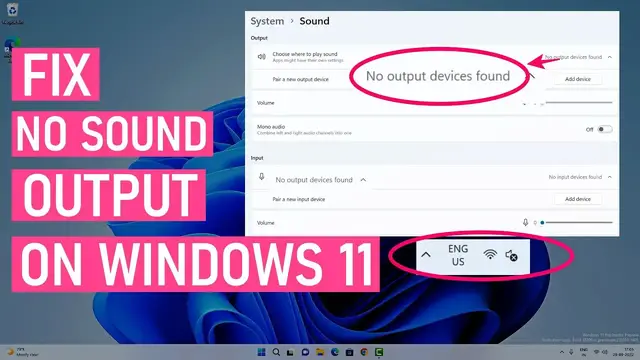

How To Fix No Sound Output Problems On Windows 11 | Fix All Audio Issues
Mar 25, 2023

Learn to fix sound or audio problems on Windows 11. If you have a laptop or external speakers connected to the PC, you sometimes don't get any audio output. There could be different reasons why audio is not working on your laptop with Windows 11. In this video, you will find some tried and tested workarounds to fix audio issues.
Steps to Fix Audio Problems With Windows 11
00:00 Intro
00:19 Check Audio Level & Output Device
01:07 Check Sound Devices
02:01 Windows Troubleshooter
02:56 Update/Reinstall Audio drivers
07:00 Install Realtek Audio Driver
08:30 Check Audio Services
09:02 Windows Update
These methods should help you to fix the audio driver problems and other general issues with the audio output.
Disclaimer:- It is advised to create a system restore point or take a complete backup of your device before you follow any tutorials. All tutorials are verified ways to fix, customize, or fine-tune your devices; just in case, take a full backup. This video does not take any expressed or implied guarantee of any particular result.
Some links might be affiliate links, and I may earn commissions on your purchase without any extra cost.
Any data, IP, emails, and files shown in videos are for demonstration purposes only and do not belong to any third person or entity.
Show More Show Less #Consumer Electronics
#Audio Equipment
#Device Drivers
#Operating Systems
#Hobbies & Leisure