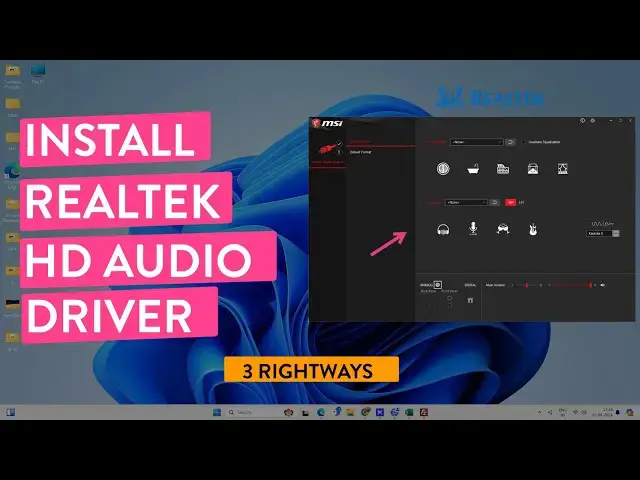

How to Install Realtek HD Audio Driver on Windows 11/10 & Lower
Mar 5, 2025

Learn to download and install Realtek high-definition audio driver on Windows 11/10 and lower versions. If the audio devices are not working properly, then you might need to install or update the Realtek HD audio driver. Different jacks on your PC and headphone/MIC pins might not work properly, so installing the Realtek HD driver will solve these problems.
Depending on your device and manufacturer, there are three easy ways to install the audio driver.
Follow the steps, and you will get the last driver.
00:00 Problem overview
00:19 Check for Realtek Audio Driver
01:01 Install Realtek Audio Driver
02:27 Error code 0001
02:42 Download & Install Custom Realtek Driver
04:14 Install on Laptop
05:28 Outro
Don't miss these videos -
Clean C drive to unlock more speed: https://youtu.be/X2-KNOkcF_c
Make Windows 11 200% Faster: https://youtu.be/8am0IB13Udg
Make Windows 11 Start Menu Look Great: https://youtu.be/KIgc_ZiYffI
Password Protect Folders in Windows 11/10: https://youtu.be/MuB5keJcw_M
Show More Show Less #Consumer Electronics
#Software
#Device Drivers