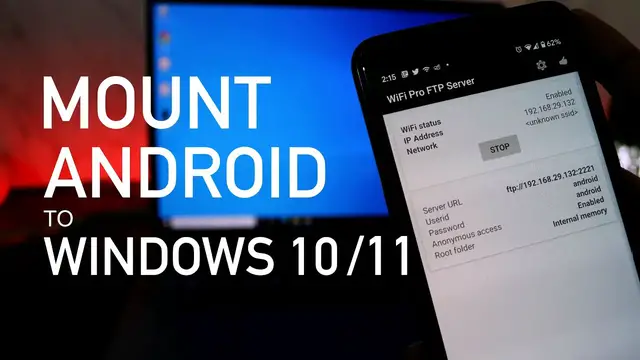

How To Mount Android Storage As Drive On Windows 10/11 PC
Mar 29, 2023

If you are frequently accessing Android Storage then you can mount Android as drive in Windows 10 or 11. This way, you don't have to use a USB cable you can do it over Wifi or a hotspot. This is an easy and faster way to transfer files between Android smartphone and computer.
Steps to mount Android Internal Storage to Windows 10/11.
1. Download the WiFi Pro FTP Server from Play Store - https://play.google.com/store/apps/details?id=com.medhaapps.wififtpserver.pro
2. Start the server on the App.
3. Go to Windows PC and add a new network location on "This PC".
4. Provide the FTP server URL, ID and Password to finish the setup process.
Now, you would be able to browse the internal storage of your android device on the PC.
You can copy, paste or delete files to the Android and vice versa.
Follow on Social Media
Facebook - https://fb.com/iTechFever
Twitter - https://twitter.com/itechfever
Instagram - https://instagram.com/itechfever
Show More Show Less #Internet Software
#Software Utilities
#File Sharing & Hosting
#Other