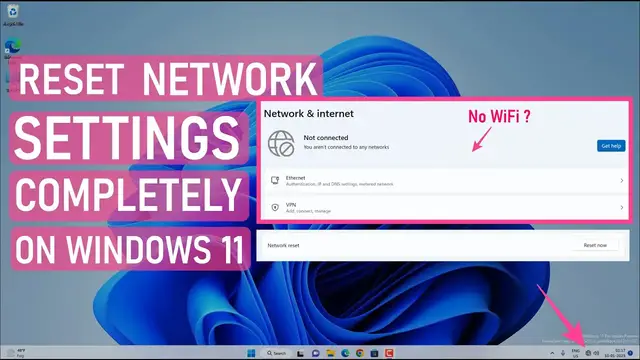

How to Reset Your Entire Network in Windows 11 and Start Fresh
Mar 25, 2023

How to reset entire network in Windows 11 and start from scratch. When you reset your network, Windows will remove all the saved network settings with WiFi & Ethernet. It will remove/forget saved WiFi passwords, VPN networks, and virtual switches. The network reset will disable and reinstall all the network adapters and set all the networking components to the original default settings.
First, you can try to troubleshoot the network using the Windows troubleshooter. If that doesn't work, you can reset the network settings.
Disclaimer:- It is advised to create a system restore point or take a complete backup of your device before you follow any tutorials. All tutorials are verified ways to fix, customize, or fine-tune your devices; just in case, take a full backup. This video does not take any expressed or implied guarantee of any particular result.
Some links might be affiliate links, and I may earn some commissions on your purchase without any extra cost to you.
Any data, IP, emails, and files shown in videos are for demonstration purposes only and do not belong to any third person or entity.
Follow on Social Media
Facebook - https://fb.com/iTechFever
Twitter - https://twitter.com/itechfever
Instagram - https://instagram.com/itechfever
Show More Show Less #Networking
#Other