
How to Share Printer On Network & Connect Other Computers
Mar 24, 2024

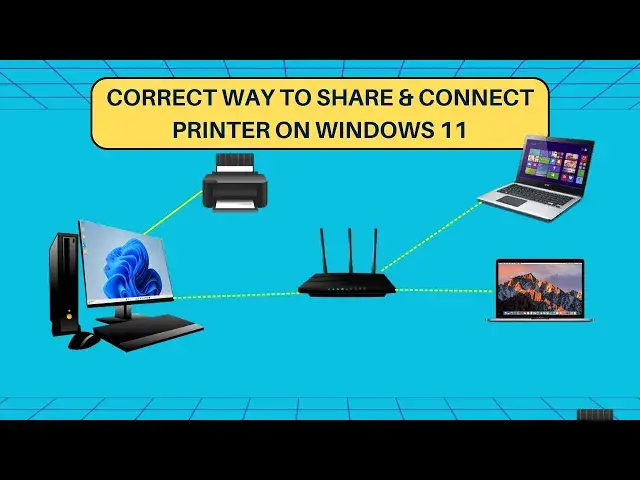
Learn to share printer on network in Windows 11/10 and connect other computers to the shared printer. You can easily connect a USB printer to the host computer and share it over WiFi or LAN networks. This will allow you to make non-wifi printers to connect over wifi as well; you just have to connect it via USB to host PC and share it on the WiFi network.
This video explains the following things -
1. Enable printer sharing
2. Turn on network discovery
3. Changing network profile
4. Connect to a shared printer
5. Installing driver
Once you have shared the printer over the network, go to the client PC look for the shared printer, and connect.
#windows11 #printer #printersharing
Show More Show Less #Networking