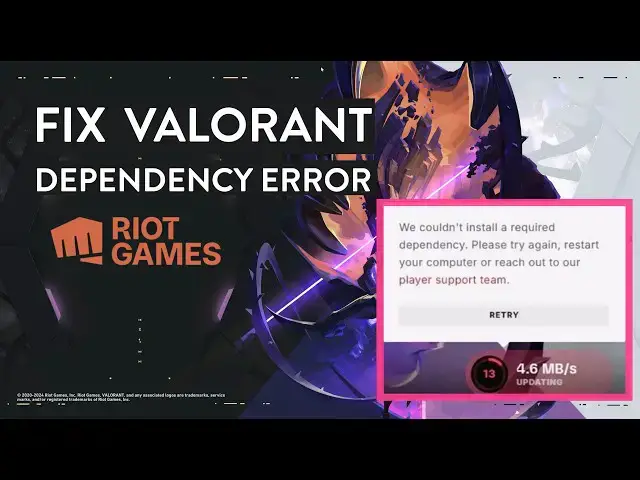

We Couldn't Install A Required Dependency | Valorant Error Solved
Mar 5, 2025

Learn to fix Valorant error "We couldn't install a required dependency. Please try again, restart your computer or reach to our player support team." This problem occurs when the Valorant anti-cheat system or VGC service is stopped or corrupted. This video will guide you to fix the problem in 3 easy ways.
Steps to fix dependency error with Valorant-
00:00 Intro
00:17 Exit Roit Games
00:28 Terminate Riot Client processes
01:03 Start vgc service
01:40 Enable vgc from system configuration
02:14 Uninstall Riot Vanguard
03:28 Launch Valorant
03:43 Outro
Follow all the steps and restart the PC, now you would be able to play the Valorant without any problem.
Don't miss these videos -
Clean C drive to unlock more speed: https://youtu.be/X2-KNOkcF_c
Make Windows 11 200% Faster: https://youtu.be/8am0IB13Udg
Show More Show Less #Computer & Video Games
#Other