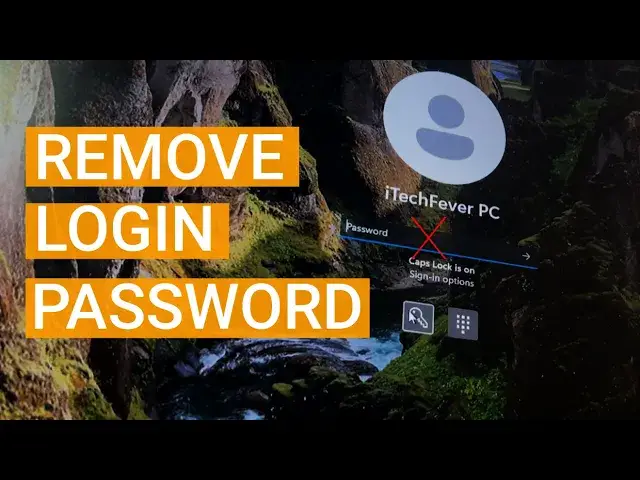

Windows 11: Remove User login password & PIN to Boot Directly to Desktop
Mar 24, 2024

Do you want to remove login password from Windows 11 to boot directly to the desktop? You can disable Windows login password, Hello PIN, Microsoft account password, and other authentication methods to start Windows 11 without a password.
Steps to remove password -
1. Check the current authentication method.
2. Open the user account option.
3. Uncheck the option reading "User must enter username and password to use this computer".
4. Switch to user account.
5. Keep the password option blank.
Remove user account password using cmd -
1. Open cmd as admin.
2. Type "net user" to get the list of user accounts.
3. Type "net user username *"
4. Leave the password option blank and press enter twice.
This will disable the passwords on your Windows 11/10. Anytime you want to get the password you can easily set it from the settings.
Must Watch -
Show More Show Less #Computer Security
#Software
#Operating Systems
#Home Improvement
#Antivirus & Malware