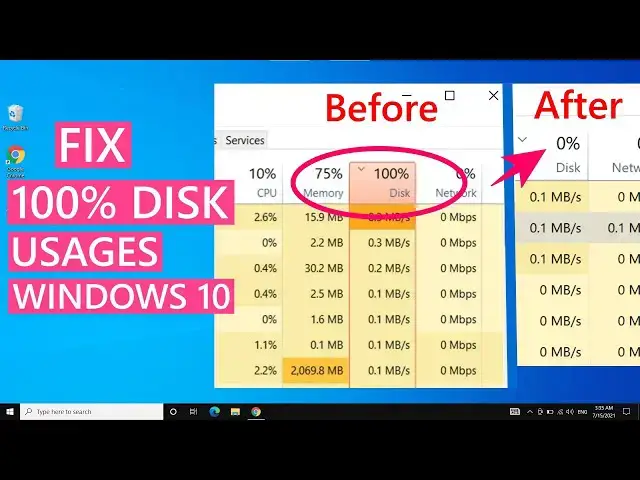

Fix "100% Disk Usage" In Windows 10, Bring Disk Usage under 10%
Mar 24, 2024

High disk usage is another common problem, it can happen due to high disk usage by apps, Windows services, malware, corrupt drivers & other reasons. In this video, you will find 10 ways to fix 100 % disk usage in Windows 10. Before trying these methods, check what is causing the abnormal disk usage. Sort the apps and background services by MB/s to find the root cause.
This way you can directly fix the problem, without hit and trial. But if you are unsure, then try these methods.
Methods to Fix High Disk Usage -
0:00 Intro
1:23 Restart
1:57 Disable Windows Search Service
2:56 Set Paging Memory Manually
6:29 Disable SysMain Service.
7:19 Disable Connected User Experience & Telemetry Service
9:04 Windows & Drivers Update
11:09 Turn off Auto Defragmentation
12:38 Enable High-Performance Power Plan
13:36 Check for Disk Errors
14:36 Run a Malware Scan
You can try the above methods, depending on the problem with your Windows 10, any of these methods should help to fix the 100 percent disk usage problem.
Show More Show Less #Computers & Electronics