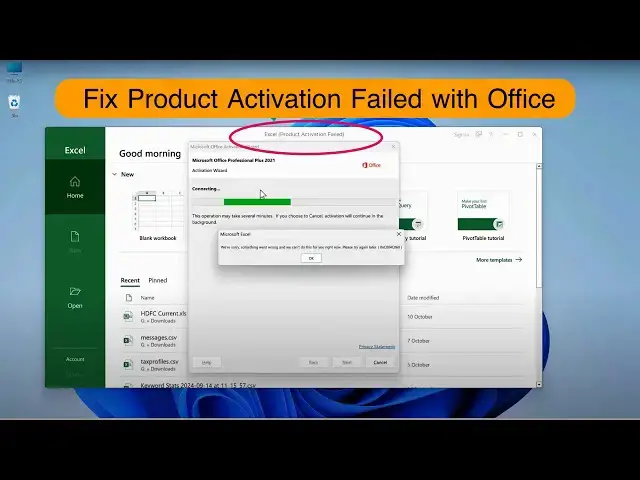

Fix "Product Activation Failed" Error With Excel, Word or Microsoft Office
Mar 5, 2025

Product activation failed is another common error when you are trying to activate Microsoft Excel, Word, PowerPoint, or any office product. This video will help you fix the problem and activate your genuine copy of Excel, Word, or any such product.
This will fix error "We're sorry, something went wrong and we can't do this for you right now. Please try again later. (0xC004C060).
Follow this quick video to fix the "Product activation failed" error easily.
1. Go to "This PC" and C drive.
2. Open Program Files\Microsoft Office\Office16 folder.
3. Find OSPPREARM.exe and run it as admin 3 times.
This will work if you buy an original copy and log in to your MS account.
Don't miss these videos -
Make Windows 11 200% Faster: https://youtu.be/8am0IB13Udg
Password Protect Folders in Windows 11/10: https://youtu.be/MuB5keJcw_M
Boost CPU Speed: https://youtu.be/ea89hdRpsKs
Make WiFi Run Much Faster: https://youtu.be/eHcZ_kzhgMw
Stay Private on the Internet: https://youtu.be/TPsQYi8PhJE
Join this channel to get access to perks:
https://www.youtube.com/channel/UCMdElTwiU4JrDUkuI_eqPJg/join
Show More Show Less #Business & Productivity Software
#Software Utilities
#Other