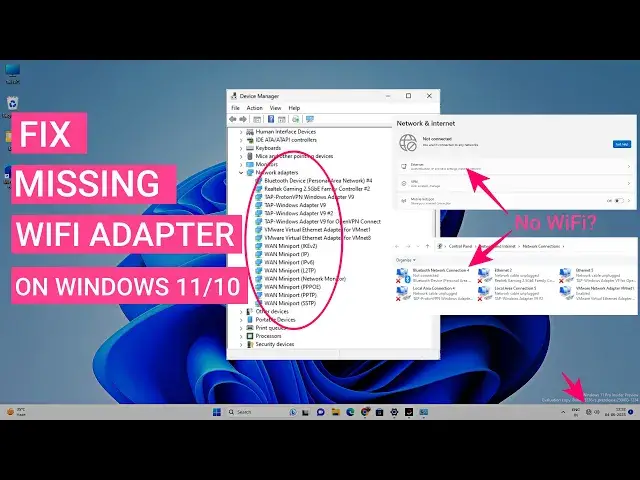

Fix WiFi Adapter Missing In Windows 11/10 | Get Back Wireless Adapter
Mar 24, 2024

If the WiFi adapter is missing on Windows 11 or 10, then you can easily get it back. Sometimes the Wireless network adapter disappears from the Device Manager, Settings, and Network Adapter list. There might be different reasons behind this issue. In this video, you will find 7 ways to reinstall the missing WiFi adapter and connect to the WiFi network.
Apart from installing the adapter, this video will help you to fix the following errors -
1. WiFi adapter missing
2. Can't connect to wifi networks
3. WiFi keeps disconnecting
4. Slow wifi speed
5. WiFi stuck on connecting
6. WiFi unable to obtain IP address
7. Unable to connect to this network
8. WiFi connected but no internet
You should try each step; any of the methods should help you to fix the problem.
Timestamps
00:00 Intro
00:52 Install WiFi Adapter
03:42 Network Troubleshooter
04:27 Check Network Services
Show More Show Less #Networking
#Device Drivers
#Communications Equipment
#Web Services
#Networking Equipment