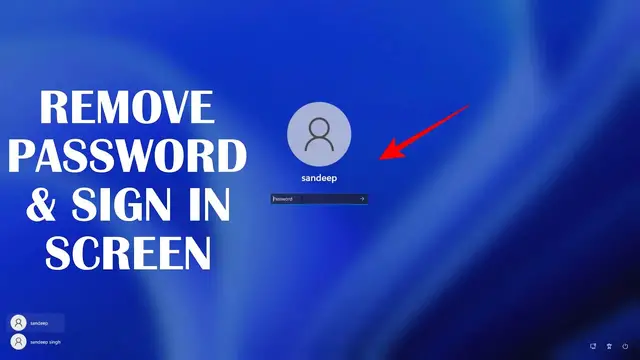

How to Disable Windows 11 Login Password and Lock Screen
Mar 29, 2023

Disable login screen & password in Windows 11 to directly boot to the desktop. Windows 11 users can remove the password & sign-in screen so that they don't have to enter the password after booting the PC. Windows 11 doesn't have the option to enable or disable passwords or sign-in screens for the users.
You can enable this feature using the registry editor.
Steps to remove sign-in screen on Windows 11-
1. Open the registry editor
2. Navigate to HKLM\SOFTWARE\Microsoft\Windows NT\CurrentVersion\PasswordLess\Device
3. Open the "DevicePasswordLessBuildVersion" registry key.
4. Change the value to 0
5. Restart to see the changes.
Now, Windows 11 won't show you the login screen once you start the PC.
Cmd command to create registry key-
reg ADD "HKLM\SOFTWARE\Microsoft\Windows NT\CurrentVersion\PasswordLess\Device" /v DevicePasswordLessBuildVersion /t REG_DWORD /d 0 /f
Follow on Social Media
Facebook - https://fb.com/iTechFever
Twitter - https://twitter.com/itechfever
Show More Show Less #Computers & Electronics
#Software
#Operating Systems