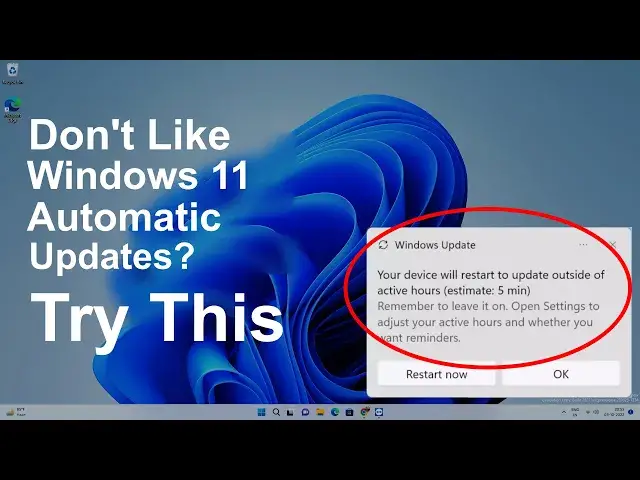

How to Disable Windows Automatic Updates on Windows 11 Permanently or Temporarily
Mar 24, 2024

Learn to disable Windows 11 updates permanently and temporarily. You might be annoyed by the Windows 11 update notifications or getting distracted. In this case, you can turn off automatic updates on the PC. This will help you to pause the updates for more than 7 days, and whenever you want, you can update the Windows.
Once you disable the Windows updates, it won't download the latest quality and security features. It is advised to update the Windows from time to time.
#windows11 #windowsupdate
Disclaimer:- It is advised to create a system restore point or take a complete backup of your device before you follow any tutorials. All tutorials are verified ways to fix, customize, or fine-tune your devices; just in case, take a full backup. This video does not take any expressed or implied guarantee of any particular result.
Some links might be affiliate links, and I may earn some commissions on your purchase without any extra cost to you.
Any data, IP, emails, and files shown in videos are for demonstration purposes only and do not belong to any third person or entity.
Follow on Social Media
Facebook - https://fb.com/iTechFever
Show More Show Less #Computer Hardware
#Software