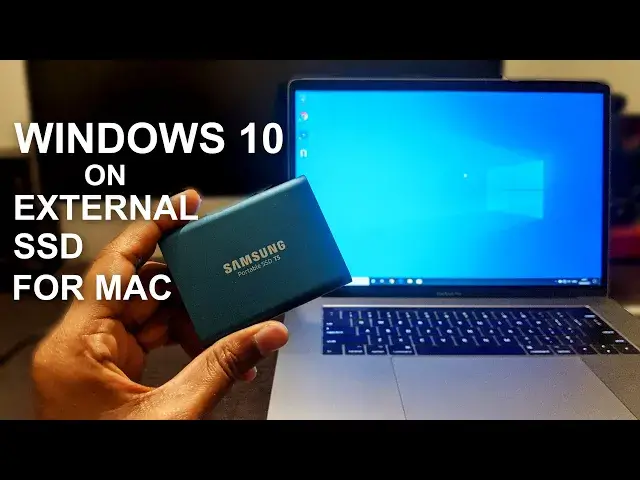

How To Install Windows 10 On Mac Using External Drive (SSD)
Mar 24, 2024

In this video, you will learn to Install Windows 10 on Mac External Drive (SSD, HDD) without creating a Bootcamp partition. You can install Windows 10 on an external SSD to use with Mac computers.
To install Windows 10 on Mac Using External SSD you need few things -
1. An external SSD.
2. USB flash drive
3. USB A to C connectors or a USB C hub.
4. A Windows PC or Virtual Windows on Mac.
5. External Keyboard and Mouse.
Recommended SSD - https://amzn.to/3u9E5K6
You need to download the WintoUSB tool - https://www.easyuefi.com/wintousb/
Windows 10 ISO - https://www.microsoft.com/en-in/software-download/windows10ISO
Convert your flash drive and SSD to exFAT format.
Install Win2USB tool and make SSD bootable using the tool. (Do it on Windows PC)
Connect SSD to Mac.
Show More Show Less #Consumer Electronics
#Operating Systems