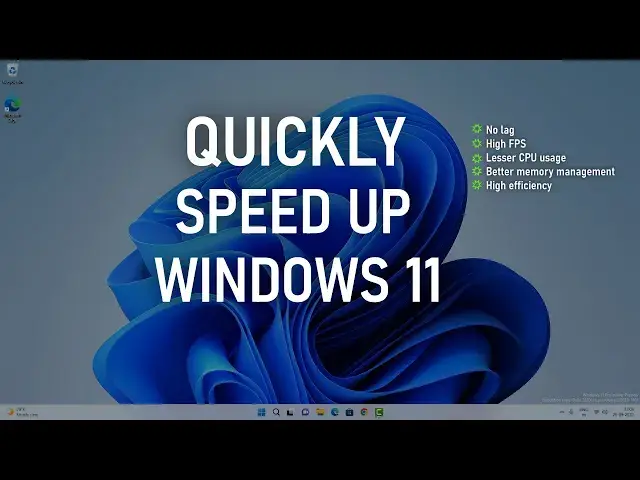

Speed Up Windows 11 By Changing 3 Settings Only | Make Windows 11 Speedier
Mar 24, 2024

Do you want to quickly speed up Windows 11? Then you need to change only 3 settings to make Windows 11 run faster. There are definitely some other things you can do. Still, these are some necessary settings you can change to improve Windows 11 performance for productivity and gaming.
Steps to speed up Windows 11
00:00 Intro
00:10 Change the visual appearance of Windows 11.
01:08 Adjust security and privacy settings to unlock max performance.
02:39 Turn off transparency effects.
02:59 Adjust gaming mode
03:15 Disable startup items
#MakeWindows11Faster #SpeedUpWindows11 #Windows11
Follow on Social Media
Facebook - https://fb.com/iTechFever
Twitter - https://twitter.com/itechfever
Instagram - https://instagram.com/itechfever
Show More Show Less #Computer Security
#Software
#Computer & Video Games
#Sandbox Games
#Home Improvement
#Skins, Themes & Wallpapers